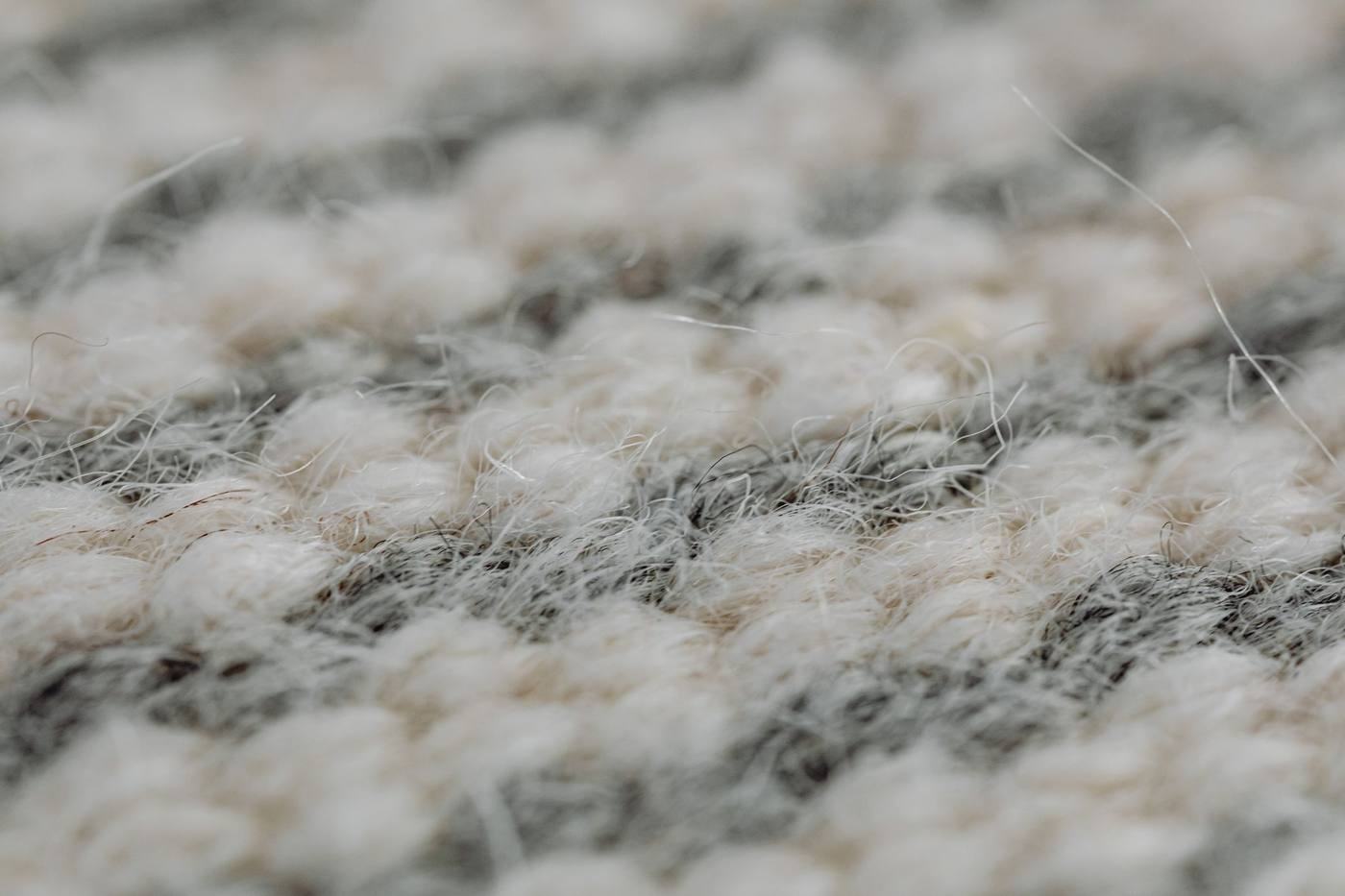
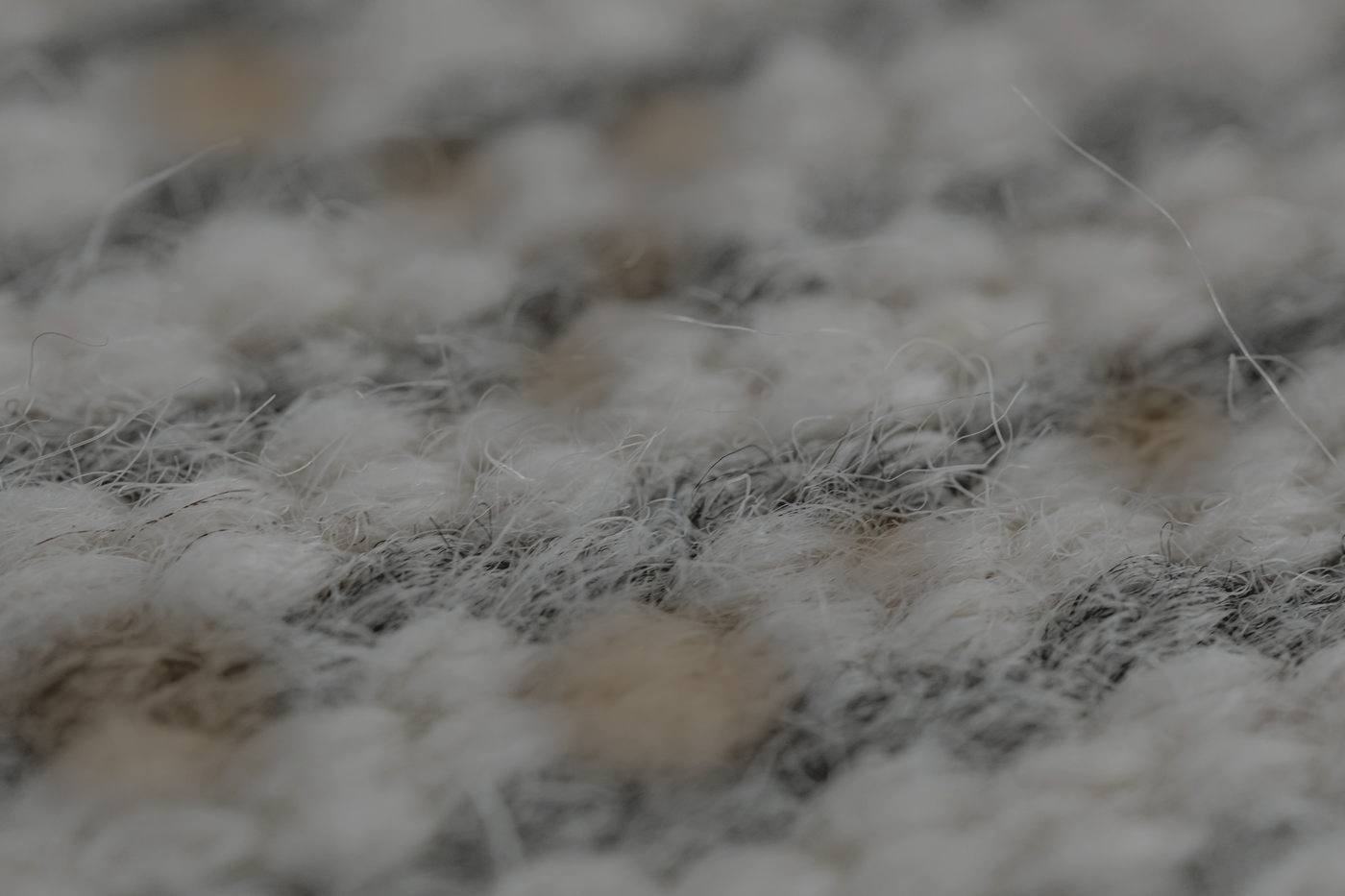
# Before / after slider (`before-after`)
Drag anywhere on the photo (or use the arrow keys) to wipe between before and after. Built on a real range input, so keyboards and screen readers get it for free.
| | |
|---|---|
| Tag | Showcase |
| Size | 2.3 KB gzipped own code (JS 1.1 KB + CSS 1.2 KB; 5.3 KB raw) |
| Dependency | none (vanilla + native APIs) |
| Best for | Carpet/upholstery cleaners, pressure washing, detailers, painters, roofers, med spa (with consent) |
| Demo | `index.html` in this folder (live: https://wbl-code-lib.pages.dev/modules/before-after/) |
## What it does
Two stacked photos; the before layer is clipped with clip-path at --pos, the handle follows. Pointer events with capture make the whole photo draggable while vertical page scrolling still works on phones (touch-action: pan-y). A hidden native range input holds focus, arrow/Home/End/PageUp keys and an aria-valuetext ("62% before, 38% after"). Optional vertical mode and one gentle hint nudge the first time it is on screen.
## When to use
- The reason to visit for cleaners and restorers: real pairs of the same job from the same angle.
- Hero proof for detailers; one per page, two at most.
## Don't
- Ever use a stock or simulated "before" on a client site.
- Pairs shot from different angles or light (it reads fake).
- Put it in a carousel (two drag gestures fight).
## Reduced motion, no JS, accessibility
- Reduced motion: no hint nudge.
- No JS: before and after shown side by side, labelled.
- Range input: Tab focus with a visible ring on the handle, arrow keys in 1% steps, valuetext announced.
## Relation to the effects libraries
Batch 1 has a before-after effect; this version adds the native range input (real keyboard + AT support), drag-anywhere with pointer capture, vertical mode and the no-JS side-by-side fallback. Use this one going forward.
## Use it
Copy this folder to the site as `/wbl/before-after/` (keep `vendor/` if there is one), then:
```html
BeforeAfter
```
Colours come from CSS variables with safe defaults: `--wbl-accent`, `--wbl-on-accent`, `--wbl-ink`, `--wbl-paper`,
`--wbl-card`, `--wbl-line`, `--wbl-muted`, `--wbl-band`, `--wbl-radius`, `--wbl-head` (see the library README for the
one-line bridge to the preview builder's `--a / --ink / --bg …`).
## License
Our code: WBL-owned, original. No third-party code.