# Scroll scenes (CSS scroll-driven) (`scroll-scenes`)
Reading progress bar, image parallax bands and soft fade-ups, driven by native CSS scroll timelines (off the main thread), with a tiny JS fallback for older browsers.
| | |
|---|---|
| Tag | Flow |
| Size | 1.5 KB gzipped own code (JS 0.8 KB + CSS 0.7 KB; 3.1 KB raw) |
| Dependency | none (vanilla + native APIs) |
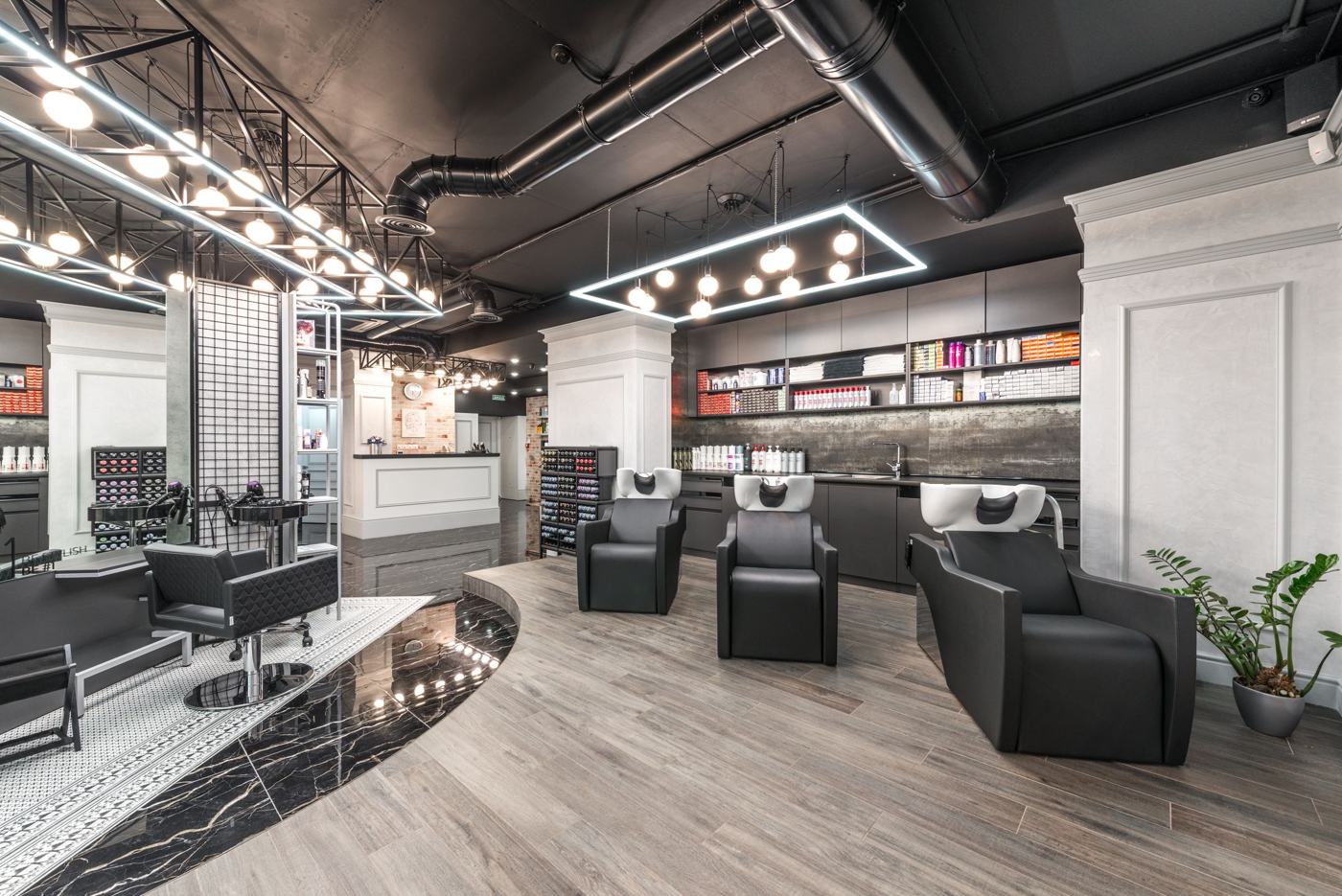
| Best for | Long editorial pages: restaurants (one plate/room band), salons, remodelers, landscapers |
| Demo | `index.html` in this folder (live: https://wbl-code-lib.pages.dev/modules/scroll-scenes/) |
## What it does
Three CSS-only pieces on animation-timeline: .wbl-progress scales with scroll(root); .wbl-par clips a photo that drifts ±7% across its view() (scaled 1.18 so no edge ever shows); [data-sd=fade] rises from 25% opacity during the first 70% of its entry, so nothing is ever blank or stuck. Where scroll timelines are missing, module.js drives the bar and parallax with one passive rAF handler limited to visible frames; fade-ups simply show.
## When to use
- One or two parallax bands per page (skill rule), on wide photos with the subject in the middle.
- The progress bar on long pages: guides, menus, about/story pages.
## Don't
- Parallax on photos with faces or text near the edges (it crops 7%).
- Fade every element: section headings and key cards only.
- Combine with batch 1's parallax on the same photo.
## Reduced motion, no JS, accessibility
- Reduced motion: no parallax, no fade; the progress bar stays (it is position feedback, not decoration).
- No JS: CSS still runs where supported; elsewhere everything is static and visible.
- Bar is aria-hidden.
## Notes
- Our own code: CSS only where supported (the JS returns on line 1).
- Uses overflow: clip on the frame so the image's view() timeline tracks the page, not the frame.
## Relation to the effects libraries
Batch 1's parallax is JS/IntersectionObserver; this is the CSS-first version plus progress bar and fade-ups.
## Use it
Copy this folder to the site as `/wbl/scroll-scenes/` (keep `vendor/` if there is one), then:
```html
…
```
Colours come from CSS variables with safe defaults: `--wbl-accent`, `--wbl-on-accent`, `--wbl-ink`, `--wbl-paper`,
`--wbl-card`, `--wbl-line`, `--wbl-muted`, `--wbl-band`, `--wbl-radius`, `--wbl-head` (see the library README for the
one-line bridge to the preview builder's `--a / --ink / --bg …`).
## License
Our code: WBL-owned, original. No third-party code.