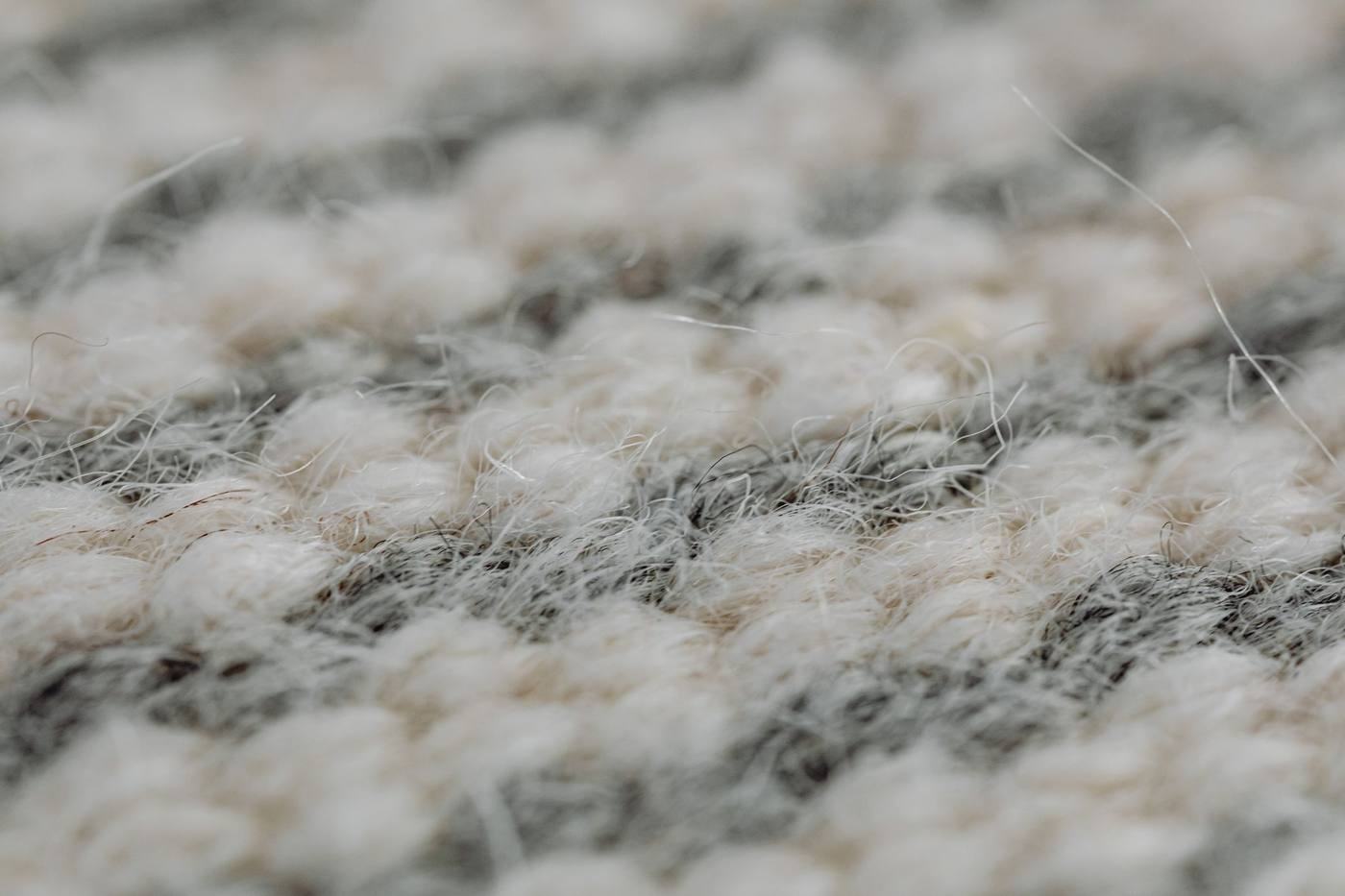
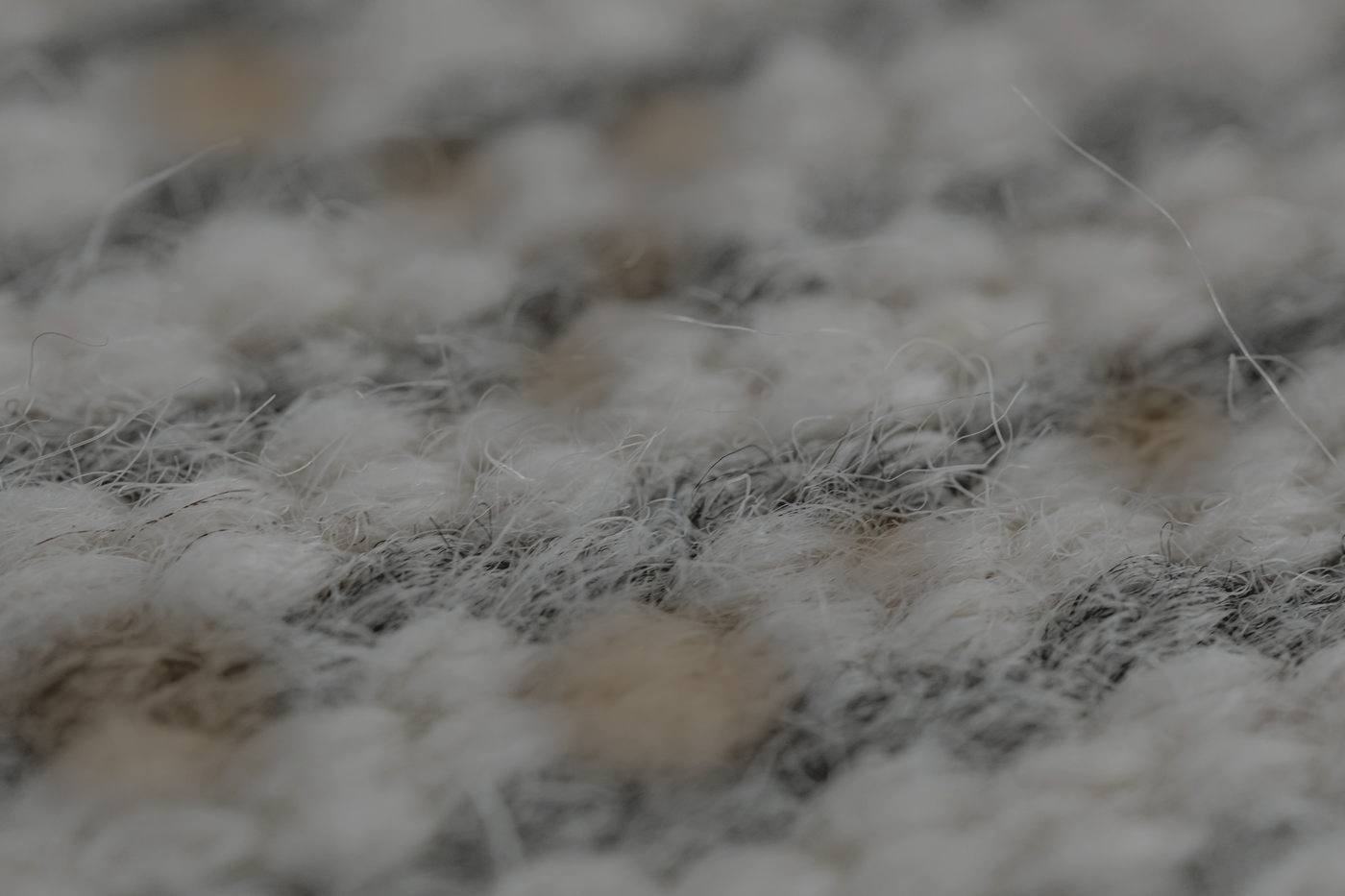
Drag anywhere on the photo (or use the arrow keys) to wipe between before and after. Built on a real range input, so keyboards and screen readers get it for free.
Wool rug, same spot
BeforeAfter
Drag anywhere on the photo, or Tab to it and use the arrow keys. Demo pair: the "before" is simulated (stains painted on a Pexels photo). Real pairs of the same job only on a client site.
Two stacked photos; the before layer is clipped with clip-path at --pos, the handle follows. Pointer events with capture make the whole photo draggable while vertical page scrolling still works on phones (touch-action: pan-y). A hidden native range input holds focus, arrow/Home/End/PageUp keys and an aria-valuetext ("62% before, 38% after"). Optional vertical mode and one gentle hint nudge the first time it is on screen.
When to use
The reason to visit for cleaners and restorers: real pairs of the same job from the same angle.
Hero proof for detailers; one per page, two at most.
Don't
Ever use a stock or simulated "before" on a client site.
Pairs shot from different angles or light (it reads fake).
Put it in a carousel (two drag gestures fight).
Reduced motion, no JS, accessibility
Reduced motion: no hint nudge.
No JS: before and after shown side by side, labelled.
Range input: Tab focus with a visible ring on the handle, arrow keys in 1% steps, valuetext announced.
Copy-ready snippet
<!-- Before / after slider (WBL Code Library) -->
<!-- in <head>: -->
<script>document.documentElement.classList.add('wbl-js')</script>
<link rel="stylesheet" href="/wbl/before-after/module.css">
<script src="/wbl/before-after/module.js" defer></script>

<!-- markup: -->
<figure class="wbl-ba" data-wbl="before-after" style="--ba-ar:3/2">
  <img src="../_demo/img/rug-after.jpg" width="1400" height="933" alt="After: the wool rug cleaned, even colour" loading="lazy" decoding="async">
  <div class="wbl-ba-before"><img src="../_demo/img/rug-before.jpg" width="1400" height="933" alt="Before: the same rug with stains" loading="lazy" decoding="async"></div>
  <span class="wbl-ba-label b" aria-hidden="true">Before</span><span class="wbl-ba-label a" aria-hidden="true">After</span>
  <input class="wbl-ba-range" type="range" min="0" max="100" value="50" step="1" aria-label="Before and after comparison of the rug: drag or use arrow keys">
  <span class="wbl-ba-handle" aria-hidden="true"></span>
</figure>